
One Solution for Ensuring Accurate AI Design Reproduction in Denim Clothing Manufacturing
Introduction
AI visuals can look perfect on screen but still miss the mark once they become real denim. The most common gap is not creativity. It is conversion: wash behavior, stitch geometry, hardware placement, and measurement tolerances that an image cannot fully specify.
This how-to guide gives you one repeatable workflow to reduce revisions and protect accuracy across OEM and ODM projects. It works for 1-of-1 Hyper-Personalization, low MOQ small batch drops, and fast response restocks when a style sells out.
You will lock design intent, standardize inputs, add QC gates, and keep approvals traceable so nothing drifts between teams. This is especially useful in Generative AI Fashion, where prompts and images change quickly and the supply chain must stay aligned.
Step-by-step guide to accurate AI denim reproduction
Step 1: Lock design intent and limits
Start by defining what must not change. If you skip this, the factory will fill in missing details, and different operators can interpret the same AI image in different ways.
Use a one-page intent sheet with measurable limits:
- Wash target: acid, stone, enzyme, snow, tint, or resin-coated look.
- Fit target: rise, inseam, outseam, leg opening, and intended ease.
- Trim list: zipper type, button and rivet finish, chain or grommet details.
- Tolerances: measurement and placement limits (for example, plus or minus 0.5 cm on key points).
Step 2: Standardize inputs for conversion
Next, package your AI design so the pattern team can convert it without guessing. A single front image is not enough because denim details live in seams, pockets, and wash texture.
Send a consistent image set:
- Front and back full-body flat views.
- Two closeups of key textures (distressing, resin, sanding, whiskers).
- One hardware closeup (buttons, grommets, chains, zipper tape).
- One inside reference if you care about pocket bags, seams, or labels.
If you are doing Customized Streetwear with heavy hardware or complex paneling, add a simple coordinate note:
- Example: “Left knee distress center at 24 cm below crotch, 6 cm left of inseam.” This keeps placements stable across small batch runs.
Sky Kingdom positions CodeDenim as TEXT-TO-DENIM, where a prompt and design visual can be converted toward production outputs, including fabric texture and distressed detail intent.
Step 3: Convert the image to production specs
Now translate the visual into a build plan. This is the point where ODM responsibility matters, because the factory is turning creative assets into a technical pathway.
Create a conversion checklist that maps image elements to spec items:
- Panels and seams: yokes, waistband shape, pocket placement, patchwork layout.
- Stitching: topstitch thread contrast, stitch density target, bartack locations.
- Distressing map: sanding zones, rips, abrasions, resin coated sections.
- Wash route: the order of operations (laser or marking, wash, hand finish).
If your design uses extreme patchwork, layering, or resin effects, state it clearly so the engineering plan matches the look. Sky Kingdom showcases complex constructions like heavy patchworking, layered panels, and resin coating and distressing styles on its custom denim product pages.
Step 4: Approve a digital sample checkpoint
Before any fabric is cut, you need one checkpoint that confirms 1:1 mapping from artwork to garment structure. This is where you catch the expensive errors early.
Approve these items as a single digital checkpoint:
- Placement overlay: distress map and trims placed on the pattern outline.
- Measurement table: key points with tolerances.
- Operation list: laser, wash, sewing steps, and QC holds.
If you are aiming for quick response launches, keep approvals fast but strict:
- One owner for approvals.
- One comment format (numbered list, each point tied to a screenshot).
- One deadline for response (for example, within 24 hours) to avoid decision lag.
Sky Kingdom highlights virtual sampling as part of its Micro-Run OEM approach, which helps you validate the look before production and supports a “sell first, make later” model.
Step 5: Set QC gates by operation
To keep AI designs accurate, you need QC gates aligned to how denim is built. A final inspection alone cannot fix a wrong wash tone or a missed distress placement.
Set QC gates at the operations that lock in irreversible outcomes:
- Pattern gate: verify key measurements and symmetry before cutting.
- Laser or marking gate: verify distress placement and scale.
- Wash gate: verify shade and effect intensity before bulk runs.
- Sewing gate: verify pocket alignment, topstitch contrast, and hardware placement.
Sky Kingdom describes operation-level control in its solutions, including QA/QC inspectors for one-of-one builds and a digital nerve center approach for high-standard clients.
Adapting AI denim reproduction in different scenarios
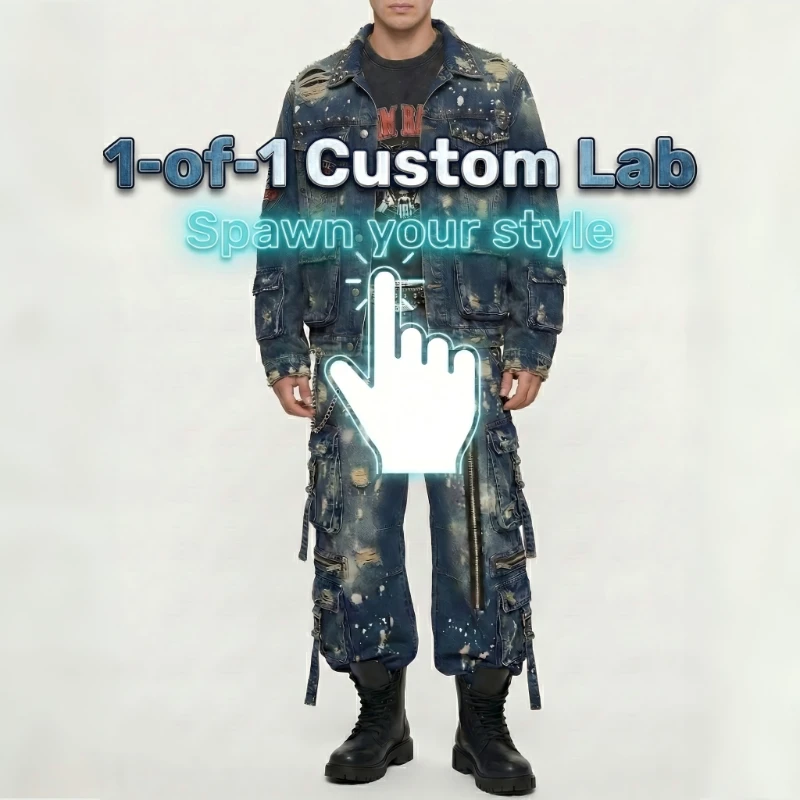
- CodeDenim 1-of-1 custom lab: Focus on intent, placements, and traceable approvals. Because every piece is unique, you should tighten measurement and placement tolerances to avoid subjective drift.
- Fast response restock after sellout: Freeze the approved spec set. Then prioritize quick response by limiting changes to sizing and replenishment planning, not wash or distress.
- OEM vs ODM responsibility split: In OEM, you usually own the tech pack and the factory executes. In ODM, the factory converts the image to production specs, so Step 3 and Step 4 must be more formal.
Before you start
Required tools and materials
- 4K design images with closeups for texture and hardware.
- Measurements and fit notes, including size target and grading rules.
- Fabric targets: weight, stretch, and base color.
- Hardware list: rivets, zipper, buttons, labels, and any chains or grommets.
- Approval log template for every revision.
- A single folder structure that keeps prompts, images, and spec versions together.
A quality management system is commonly defined as the processes an organization uses to meet requirements and improve consistently, which is the core idea behind ISO quality management standards. (iso.org)
Safety considerations
- Treat laser finishing, sandblasting, and wash chemistry as controlled processes with clear operator PPE rules.
- Use eye and face protection appropriate to the hazard. OSHA notes ANSI Z87.1 as the core eye and face protection standard referenced for hazards including machinery operations and cutting. (osha.gov)
- Keep wash and resin steps ventilated and documented so you can reproduce the same effect safely.
- Add a stop rule: any operator can pause production if the approved map and the physical piece do not match.
Troubleshooting
| Problem | Cause | Solution |
|---|---|---|
| Distress placement is off | Vague markers or no coordinates | Add a coordinate grid and measure from fixed points (waistband top, side seam, inseam). Approve the overlay before cutting. |
| Wash color is wrong | No tolerance or swatch approval | Approve a swatch or first-piece wash and define a pass range before bulk. Freeze the wash recipe for the full small batch. |
| Fit mismatch vs AI visual | Missing measurements and ease intent | Lock a measurement spec with tolerances and clarify intended ease (tight, regular, oversized). Require a measurement gate before cutting. |
| Hardware looks different than the image | Unspecified finish or size | Specify finish name (antique brass, matte black) and dimension targets. Require a trim approval photo before sewing. |
| Patchwork or paneling looks uneven | No panel map or seam plan | Provide a panel map with seam allowances and stitch rules. Add a QC gate after marking but before assembly. |
Conclusion
Accurate AI design reproduction in denim is less about finding one magic tool and more about controlling the workflow. When you lock inputs, add QC gates, and keep approvals traceable, you reduce costly revisions and keep your OEM and ODM partners aligned.
Choose the operating model that matches your goal:
- One-of-one Hyper-Personalization.
- No MOQ drops.
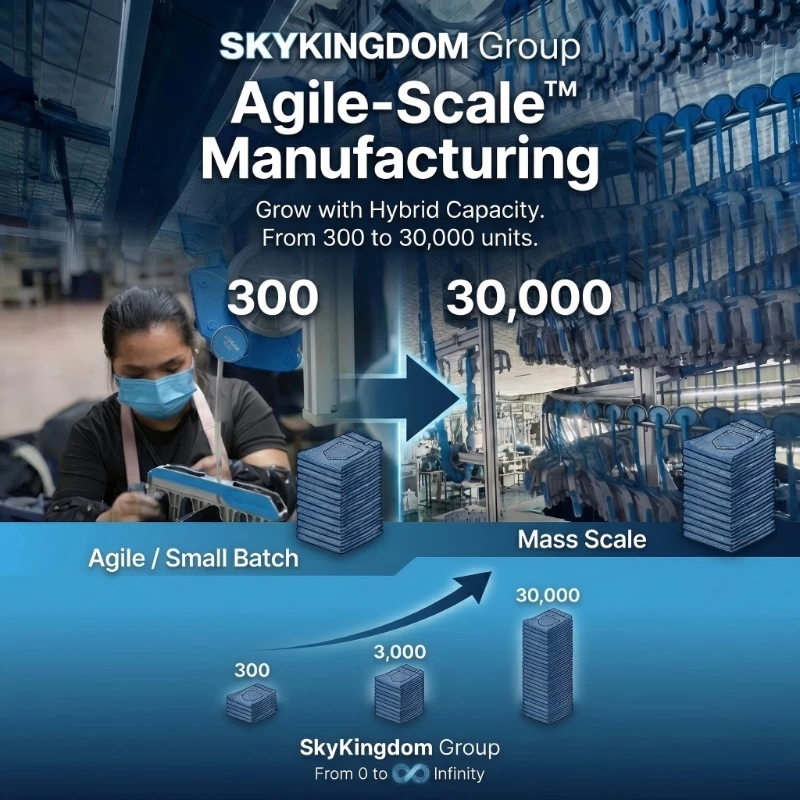
- Agile scaling with fast response reorders.
- OEM & ODM service: OEM & ODM – Skykingdom
Contact us: Contact Us – Skykingdom
Frequently Asked Questions
How can I find manufacturers who can produce denim clothing directly from AI-generated images?
Look for a manufacturer that can do image-to-spec conversion, not just cut-make-trim from a finished tech pack. Ask how they translate artwork into panel maps, distress placement notes, and a wash route. You should also confirm they offer a digital sample checkpoint so you can approve mapping before fabric is cut. Finally, run a single pilot piece to prove the conversion process works.
How can I overcome the challenges of the AI images for denim clothing not accurately reflecting the desired design?
Add constraints that an image cannot communicate well, such as fabric weight range, stretch target, and wash intensity notes. Then add measurable placements for distressing and hardware, using distances from fixed points like the waistband and inseam. You should also require a digital overlay approval so you can see the artwork mapped onto the pattern outline. If the first piece is off, update the spec and re-approve before any small batch run.
How do I make sure my custom denim design is made exactly as I envision?
Start by locking design intent with a one-page sheet that defines wash, fit, trims, and tolerances. Next, standardize your input images so the pattern team has front, back, and closeups of texture and hardware. Then insist on operation-by-operation QC gates so the team checks the irreversible steps like laser placement, wash shade, and sewing alignment. Keep every change versioned so no one builds from an older prompt or image.
How can I be sure the denim manufacturer can replicate my AI design with accuracy?
Ask what checkpoints exist before cutting, after marking or laser work, after wash, and after sewing. A reliable process will show you what gets inspected at each gate and what happens when something fails. Request photos or measurement data at the gates so approvals are based on evidence, not assumptions. Then validate repeatability by re-running the same spec on a second piece before you commit to a small batch.
How can I ensure the quality of my AI denim design when ordering in small quantities?
Use the same QC gates you would use for large runs, because small batch work can still drift if details are not checked. Define a clear pass or fail rule for key measurements and the top three visual features, such as a specific distress zone or hardware finish. Require full inspection of the first few units and compare them side by side to the approved mapping. If variance appears, pause and correct the operation step that caused it rather than trying to fix it at final QC.
How can I avoid common production errors when creating custom denim clothing?
Standardize your inputs, especially image angles and closeups, so the factory does not guess hidden details. Set measurable tolerances and placement coordinates so the team can check work objectively. Approve a digital checkpoint before fabric cutting, because that is where mapping mistakes are cheapest to fix. Finally, keep a traceable approval log so prompt changes, measurement edits, and wash adjustments never get mixed together.